Home / Passive Electronics    
Custom Wiring Harnesses
Hand Crafted Pickups           
Parts 
Ordering Instructions

About Me
FAQ   
Free Wiring Info     
Customer  Comments
Artists
Contact and Warranty
Links 
 
View Shopping Cart

Webpage Translator
Currency Converter


Tips, Tricks and Wiring Diagrams
for Guitar and Bass
While you're here, be sure to check our line of Passive Electronics, Prewired Harnesses and Handwound Pickups!

Soldering Tips
Guitar Schematic Symbols
Manufacturer's Pickup Wiring Color Codes
How To Assign A Tone Control As A Master Tone
How to use a Stereo Output Jack as a Battery Switch
Independent Gibson® Volume Controls

How To Wire A Series/Parallel Switch
How To Wire A Phase Switch
How To Wire A Coil Split Switch
How to split a Lace Sensor Dually
Clapton Mid Boost Kit Wiring Diagram
Fender® Stratocaster® Wiring Diagrams
Fender® Telecaster® Wiring Diagrams
Fender® Bass Wiring Diagrams
Gibson® Les Paul® Wiring Diagram
Rickenbacker® Wiring Diagrams

Strat Pickup Height Adjustment
Tele Pickup Height Adjustment
Humbucker Pickup Height Adjustment

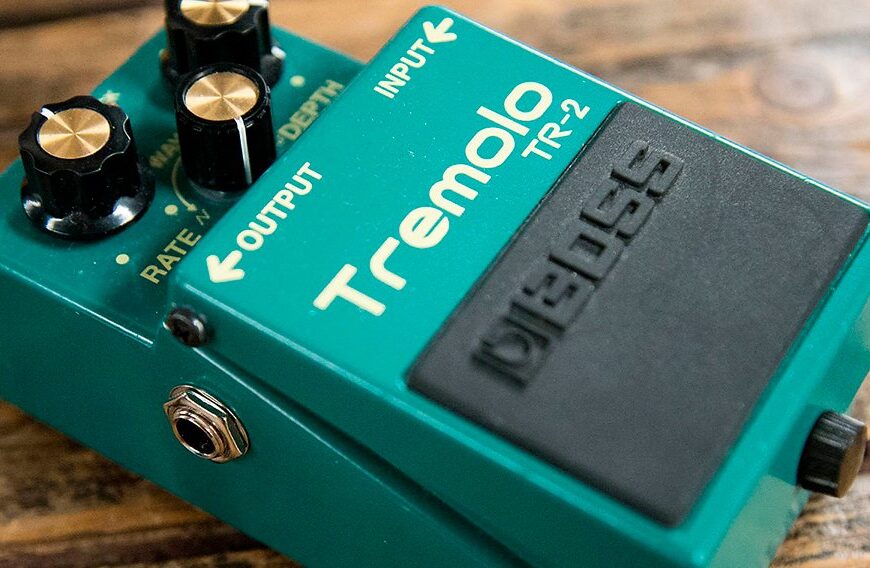
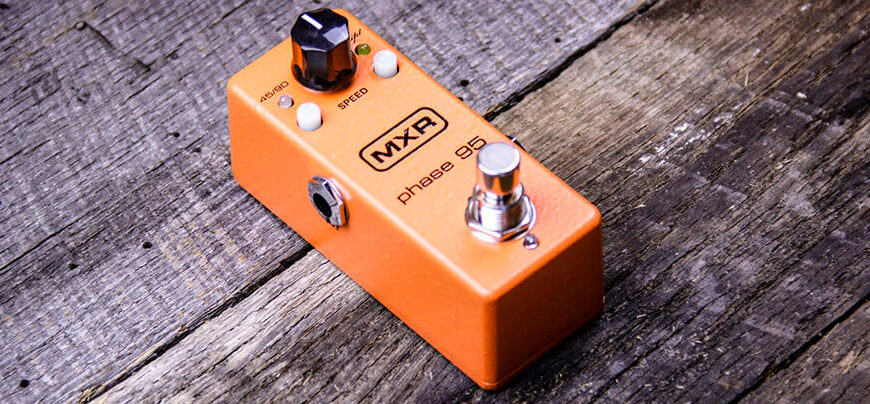
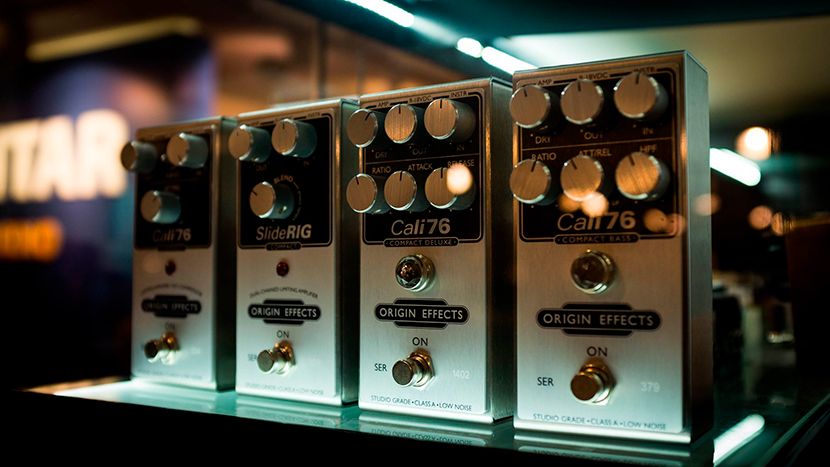
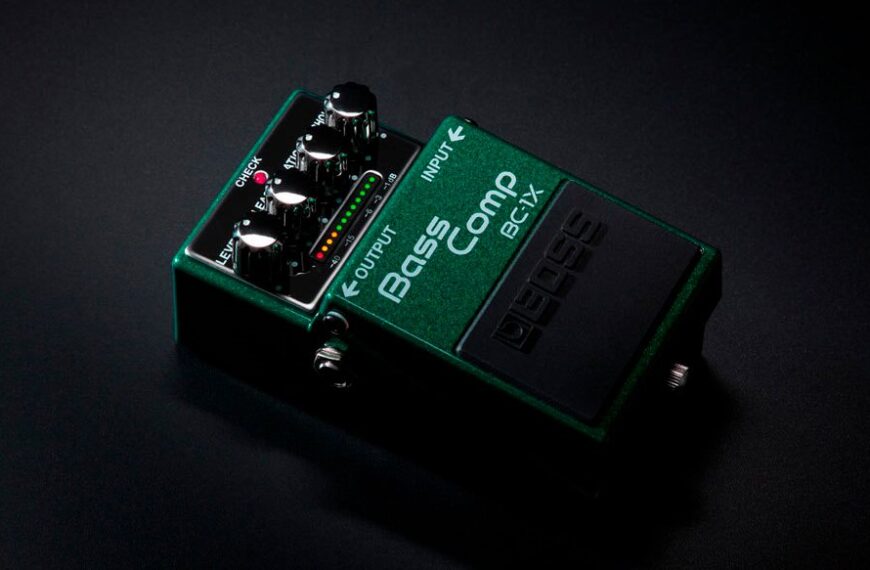
Most effective effects pedal chain order


Soldering Tips:

Ensure that items to be soldered are perfectly clean. This can usually be achieved by wiping the solder points with a cloth dampened with alcohol. Be sure that the alcohol has dried completely before applying heat. Alcohol is flammable.

Make a good mechanical connection by wrapping wires around each other or the solder point when possible.

When applying heat, do not apply the solder directly to the tip of the iron. Heat the base of the joint so it becomes sufficiently hot to melt the solder and flow it into the joint. A small amount of solder on the tip of the iron will help to carry heat from the iron to the joint.

Use only rosin core solder made for electronic/electrical work. Do not use acid core solder! Apply solder to the connection, not the iron. When the solder flows into the connection, carefully slide the iron away. Avoid disturbing the connection until solder cools.

Avoid too much heat. A heat sink can be helpful to draw heat away from the component.

Don't apply more solder than needed. Excess solder can cause short circuits and it looks like crap.

When done correctly, the solder should be shiny. If it looks cloudy, you may have a cold solder joint which can be caused by moving the joint before it is cool or not applying sufficient heat. If you have a cold solder joint, re-melt the solder and let it cool again.

Back To Top

Manufacturer's Pickup Wiring Color Codes
I try to keep this section as accurate and up to date as possible.
If you know the codes for a manufacturer not listed here,
let me know and I will list it.
Also, if you find any errors in my codes please let me know that as well so that they can be corrected.

Humbuckers

  Coil with Screw Pole Pieces Coil with Slug Pole Pieces

Brand

Start Finish Polarity Start Finish Polarity
Anderson Black White South Red Green North
Amalfitano Green Red South Black White North
Bare Knuckle Black White Unknown Red Green Unknown
Bartolini Black Red South Green White North
Benedetto Green White South Red Black North
Carvin Black Green South Neck / North Bridge Red White North Neck / South Bridge
DiMarzio Green White South Red Black North
Fender Red Black South Green White North
GFS Green Red South Black White North
Gibson Green Black South White Red North
Gibson P-100 Black White North Black White North
Golden Age (StewMac) Bare White South Red White North
Gotoh Green Red South Black White North
Ibanez Yellow Blue South Red Black North
Jackson Black Red South Green White North
Joe Barden Green Red South Black White North
Kent Armstrong (WD) Black or Blue Red or Pink North White Green South
Lace (Ground-Green) Orange White South Orange/Black White/Black North
Lawrence (Ground-Blue) Green Black South White Red North
Lindy Fralin Black Red South White Green North
Lollar Green Red South Black White North
Mystic Black Green South Red White North
Peavey Black White South Red Green North
PRS Red White South Red Black North
Rickenbacker HB1/HB2 Red Black South Blue Clear North
Schaller White Green South Brown Yellow North
Seymour Duncan Green Red South Black White North
Shadow Yellow Brown North White Green South
Stan Hinesley Green Red South Black White North
Suhr Green Red South Black White North
Swineshead Green White South Black Red North
TimTone Green White North Red Black South
WCR Black Red Unknown Green White Unknown
WSC Red Green South White Black North
             

Single Coils
 

Brand

Start
(usually ground)
Finish Standard Polarity (up)
Anderson Black White, Red,
Purple or Yellow
North
Amalfitano Black White or Yellow South
DiMarzio Black White South
Fender® Black, Blue or Red White or Yellow South
Gibson® P-90® Black White North
Kent Armstrong Black or Red White South
Lace (Ground-Green) Orange White Unknown
Lawrence Gray White North
Lindy Fralin Black White Either
Schaller Black White Either
Seymour Duncan Black White South
Stan Hinesley Black White South
       

Back To Top

How to Split A Lace Sensor Dually
Take the white wire from the coil you want to remain on during splitting and attach it to the orange wire from the other coil,
twist them together an solder. This is the series-link and will go to the splitter switch.
Take the other white wire and the green wires and solder them together, this goes to negative (ground).
The remaining orange wire goes to hot (+).

Back To Top

Original Fender® Stratocaster® Diagrams
These diagrams are in pdf format. You must have Adobe Acrobat Reader to open.
If you do not have Adobe Acrobat Reader, CLICK HERE to download for FREE!
All original Fender® diagrams on this page are property of Fender® Musical Instruments which is not associated with HAS Sound.

MODEL Wiring 
Diag.
Switching/
Control
Diag.
'50s Stratocaster® Yes Yes
'60s Stratocaster® Yes Yes
'70s Stratocaster® Yes Yes
American Deluxe Stratocaster® Yes Yes
American Deluxe Stratocaster® Upgrade Yes Yes
American Stratocaster® Yes Yes
American Double Fat Strat® Yes Yes
American Series 50th Anniv. Strat® Yes Yes
American Fat Strat®® Texas Special™ Yes Yes
American Standard Stratocaster® Hard Tail Yes Yes
American Standard Stratocaster® Yes Yes
American Standard Stratocaster® LH Yes Yes
American Strat® Texas Special™ Yes Yes
American Stratocaster® HH Yes Yes
American Stratocaster® HH, HT Yes Yes
American Stratocaster® HSS Yes Yes
American Stratocaster® LH Yes Yes
American Vintage '57 Stratocaster® Yes Yes
American Vintage '62 Stratocaster® Yes Yes
Big Apple™ Stratocaster® Yes Yes
Big Apple™ Stratocaster® Hard Tail Yes Yes
Bonnie Raitt Stratocaster® Yes Yes
Buddy Guy Stratocaster® Yes Yes
Buddy Guy Polka Dot Stratocaster® Yes Yes
Deluxe Double Fat Stratocaster® (HH) Yes Yes
Deluxe Double Fat Stratocaster® Floyd Rose (HH) Yes Yes
Deluxe Double Fat Stratocaster® with FR Yes Yes
Deluxe Fat Stratocaster® Yes Yes
Deluxe Powerhouse Stratocaster® Yes Yes
Deluxe Player Strat® Yes Yes
Eric Clapton Stratocaster® Yes Yes
Eric Clapton Stratocaster® Upgrade Yes Yes
Floyd Rose Classic Stratocaster® (HH) Yes Yes
Floyd Rose Classic Stratocaster® (HSS) Yes Yes
Highway 1™ Stratocaster® Yes Yes
Highway 1™ Stratocaster® HSS Yes Yes
Jeff Beck Stratocaster® Yes Yes
Jeff Beck Stratocaster® Upgrade Yes Yes
Jimi Hendrix Tribute Stratocaster® Yes Yes
Jimmie Vaughan Stratocaster® Yes Yes
Lone Star™ Strat® Yes Yes
Mark Knopfler Stratocaster® Yes Yes
Richie Sambora Standard Stratocaster® Yes Yes
Richie Sambora Stratocaster® Yes Yes
Roadhouse™ Stratocaster® Yes Yes
Robert Cray Standard Stratocaster® Yes Yes
Standard Fat Stratocaster® (HSS) Yes Yes
Standard Stratocaster® Yes Yes
Standard Stratocaster® HH Yes Yes
Stevie Ray Vaughan Stratocaster® Yes Yes
Strat-O-Sonic™ Yes Yes
Stratocaster® JR Yes Yes
Stratocaster® Special HH with FR Yes Yes
Stratocaster® Special HSS with FR Yes Yes
Super Strat® Yes Yes
Tom Delonge Strat® Yes Yes
VooDoo Strat® Yes Yes
Yngwie Malmsteen Stratocaster® Yes Yes

Back To Top
 

Original Fender® Telecaster® Diagrams
These diagrams are in pdf format. You must have Adobe Acrobat Reader to open.
If you do not have Adobe Acrobat Reader, CLICK HERE to download for FREE!
All original Fender® diagrams on this page are property of Fender® Musical Instruments which is not associated with HAS Sound.

MODEL Wiring 
Diag.
Switching/
Control
Diag.
'50s Esquire® Yes Yes
'50s Telecaster® Yes Yes
'60s Telecaster® Yes Yes
'69 Telecaster® Thinline Yes Yes
'72 Telecaster® Custom Yes Yes
'72 Telecaster® Deluxe Yes Yes
'72 Telecaster® Thinline Yes Yes
'90s Telecaster® Thinline Yes Yes
  Yes Yes
American Deluxe Telecaster® Yes Yes
American Deluxe Telecaster® FMT-QMT Yes Yes
American Deluxe Telecaster® MN, ASH Yes Yes
American Series Telecaster® MN, ASH Yes Yes
American Telecaster® HH Yes Yes
American Telecaster® HH Upgrade Yes Yes
American Telecaster® HS Yes Yes
American Deluxe Power Telecaster® 1  2 1  2
  1  2 1  2
American Deluxe Telecaster® Yes Yes
American Deluxe Telecaster® (Old) Yes Yes
American Standard Telecaster® Yes Yes
American Standard Telecaster® LH Yes Yes
American Telecaster® Yes Yes
American Telecaster® LH Yes Yes
American Vintage '52 Tele® Special Yes Yes
American Vintage '52 Tele® Yes Yes
American Vintage '52 Tele® LH Yes Yes
American Vintage '62 Custom Telecaster® Yes Yes
Deluxe Nashville Telecaster® Yes Yes
Deluxe Nashville Power Telecaster® 1  2 Yes
Highway 1™ Texas Telecaster® Yes Yes
Highway 1™ Telecaster® Yes Yes
Hot Rodded American Fat Telecaster® Yes Yes
J5 Telecaster® Yes Yes
James Burton Standard Telecaster® Yes Yes
James Burton Telecaster® Yes Yes
Muddy Waters Telecaster® Yes Yes
Nashville B-Bender® Telecaster® (New) Yes Yes
Nashville B-Bender® Telecaster® (Old) Yes Yes
Standard Telecaster® Yes Yes
Standard Telecaster® Left Hand Yes Yes
Tele-Sonic™ Yes Yes
  Yes Yes
US Fat Tele® Yes Yes

Back To Top

Original Fender® Bass Diagrams
These diagrams are in pdf format. You must have Adobe Acrobat Reader to open.
If you do not have Adobe Acrobat Reader, CLICK HERE to download for FREE!
All original Fender® diagrams on this page are property of Fender® Musical Instruments which is not associated with HAS Sound.

MODEL Wiring 
Diag.
Switching/
Control
Diag.
'60s Jazz Bass® Yes Yes
American Deluxe Jazz Bass® RW LH Yes Yes
American Deluxe Jazz Bass®® 3/99 Yes Yes
American Deluxe Jazz Bass® Yes Yes
American Deluxe Jazz Bass® Upgrade Yes Yes
American Deluxe Jazz Bass® Upgrade 2004 Yes Yes
American Deluxe Jazz Bass® ASH Yes Yes
American Deluxe Jazz Bass® FMT Yes Yes
American Deluxe Jazz Bass® FMT Upgrade 2004 Yes Yes
American Deluxe Jazz Bass® FMT V Yes Yes
American Deluxe Jazz Bass® FMT V Upgrade 2004 Yes Yes
American Deluxe Jazz Bass® QMT V Yes Yes
American Deluxe Jazz Bass® Fretless Yes Yes
American Deluxe Jazz Bass® LH Yes Yes
American Deluxe Jazz Bass® V Yes Yes
American Deluxe Jazz Bass® V Upgrade Yes Yes
American Deluxe Jazz Bass® V Upgrade 2004 Yes Yes
American Deluxe Jazz Bass® V ASH Yes Yes
American Deluxe Jazz Bass® QMT Yes Yes
American Deluxe Precision Bass® Yes Yes
American Deluxe Precision Bass® Upgrade Yes Yes
American Deluxe Precision Bass® Upgrade 2004 Yes Yes
American Deluxe Precision Bass® ASH Yes Yes
American Deluxe Precision Bass® V Yes Yes
American Deluxe Precision Bass® V Upgrade Yes Yes
American Deluxe Precision Bass® V Upgrade 2004 Yes Yes
American Deluxe Precision Bass® V ASH Yes Yes
American Deluxe Zone Bass™ Yes Yes
American Jazz Bass® Yes Yes
American Jazz Bass® Upgrade Yes Yes
American Jazz Bass® Fretless Yes Yes
American Jazz Bass® Fretless Upgrade Yes Yes
American Jazz Bass® V Yes Yes
American Jazz Bass® V Upgrade Yes Yes
American Precision Bass® Yes Yes
American Precision Bass® Upgrade Yes Yes
American Standard Jazz Bass® Yes Yes
American Standard Jazz Bass® Fretless Yes Yes
American Standard Jazz Bass® V Yes Yes
American Standard Precision Bass® Yes Yes
American Vintage '57 Precision Bass® Yes Yes
American Vintage '62 Jazz Bass® Yes Yes
American Vintage '62 Precision Bass® Yes Yes
American Vintage '75 Jazz Bass® Yes Yes
Deluxe Active Jazz Bass® Yes Yes
Deluxe Active Jazz Bass® Upgrade Yes Yes
Deluxe Active Jazz Bass® V Yes Yes
Deluxe Active Jazz Bass® V Upgrade Yes Yes
Deluxe Precision Bass® Special Yes Yes
Deluxe Zone Bass™ Yes Yes
Deluxe Zone Bass™ V Yes Yes
Dimension® Bass Yes Yes
Dimension® Bass V Yes Yes
Highway 1™ Jazz Bass® Yes Yes
Highway 1™ Precision Bass® Yes Yes
Hot Rod Precision Bass® Yes Yes
Hot Rod Precision Bass® LH Yes Yes
Hot Rodded American Precision Bass® Yes Yes
Hot Rodded American Precision Bass ® LH Yes Yes
Jaco Pastorius Jazz Bass® Yes Yes
Jaco Pastorius Jazz Bass® Fretless Yes Yes
Marcus Miller Jazz Bass® Yes Yes
Mark Hoppus Bass Yes Yes
Mike Dirnt Precision Bass® Yes Yes
P Bass® JR Yes Yes
Roscoe Beck Bass IV Yes Yes
Roscoe Beck V Bass Yes Yes
Standard Jazz Bass® Yes Yes
Standard Jazz Bass® Upgrade Yes Yes
Standard Jazz Bass® Fretless Yes Yes
Standard Jazz Bass® Fretless Upgrade Yes Yes
Standard Jazz Bass® LH Yes Yes
Standard Jazz Bass® LH Upgrade Yes Yes
Standard Jazz Bass® V Yes Yes
Standard Precision Bass® Yes Yes
Standard Precision Bass® Upgrade Yes Yes
Stu Hamm Urge Bass II Yes Yes
Victor Bailey Jazz Bass® Yes Yes

Back To Top

How To Assign A Tone Control As A Master Tone
Disconnect the input of the tone control, usually the center terminal of the pot. Connect that terminal to the hot terminal (tip) of the output jack.
Now your tone control will work on all pickups all the time, no matter the positioning of the pickup selector switch!

Back To Top

How to use a Stereo Output Jack as a Battery Switch
A stereo jack has three terminals. One is the SLEEVE for ground. The other two are the TIP for positive and the RING for second positive. The ring clip is shorter than the tip clip. Connect your battery ground wire to the RING terminal. When you plug a mono cord into a stereo jack, it connects both the sleeve and the ring terminals together and completes the battery circuit to ground. When you unplug the cord from your guitar, it opens that circuit and there is no drain on the battery!

Back To Top

How To Re-wire a Gibson® Type Guitar for Independent Volume Controls
Swap the input lead with the output lead (usually the center terminal and the left terminal) of each volume control.
Now with the pickup selector switch in the middle position, each volume pot will control its own pickup separately without affecting the other!

Back To Top

Strat Pickup Height Adjustment
1- Adjust the Bridge pickup treble side to1/8 inch from the high E string and the bass side to 1/4 inch from the low E string.
2- Adjust the Middle pickup treble side to 3/16 inch from the high E string and the bass side to 1/4 inch from the low E string.
3- Place the pickup switch in the 2nd position (bridge and middle) and adjust the bass side of the middle pickup to get the amount of
"quack" that you desire. You may have to adjust both sides of the bridge pickup and the bass side of the middle pickup until you get the tone that you like.
4- Adjust the Neck pickup treble side to 3/16 inch from the high E string and the bass side to 1/4 inch from the low E string.
5- Place the pickup switch in the 4th position (neck and middle) and adjust the bass side of the Neck pickup to get the amount of "quack" that you desire. You may have to tweak both sides of the other pickups.
6- Once positions 2 and 4 sound the way you want , all five positions should have a distinctive sound.

Back To Top

Tele Pickup Height Adjustment
1- Adjust the Bridge pickup treble side to 3/16 inch from the high E string and the bass side to 1/4 inch from the low E string.
2- Place the selector switch in the middle position and adjust the neck pickup height until you can a distinct blend of the two pickups
3- Now check to make sure all three positions have a distinctive sound.

Back To Top

Humbucker Pickup Height Adjustment
A good starting point is Neck pickup 3/32 inch from top of the pickup pole to bottom of string and Bridge pickup 1/16 inch and adjust to taste. If a pickup is too close to the strings the tone tends to get muddy and lack clarity, and if too far away the tone will be thin and lacking in character. All pickups have a "sweet spot" where its tone will be optimal for a given guitar and pickup combination. Try to find this "sweet spot"...you'll know when you are there.

Back To Top

Most Effective Effects Pedal Chain Order

**GUITAR**
1- Filters:
Auto Wahs, Envelope Followers
and other effects that respond to your attack.
2- Compressors
3- Distortions/Overdrives
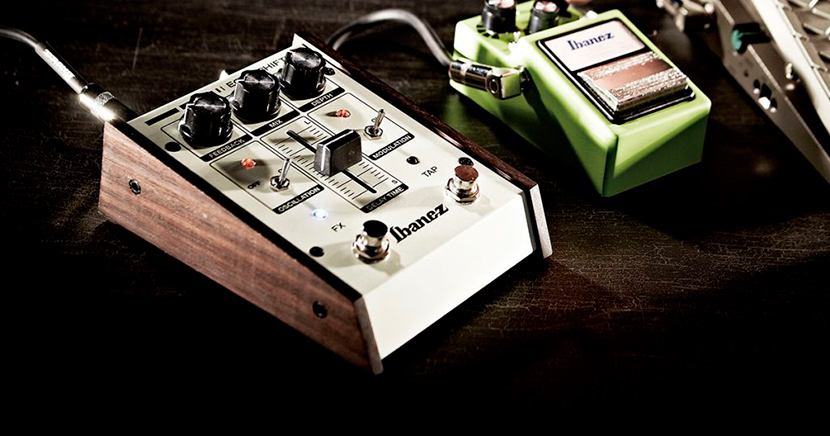
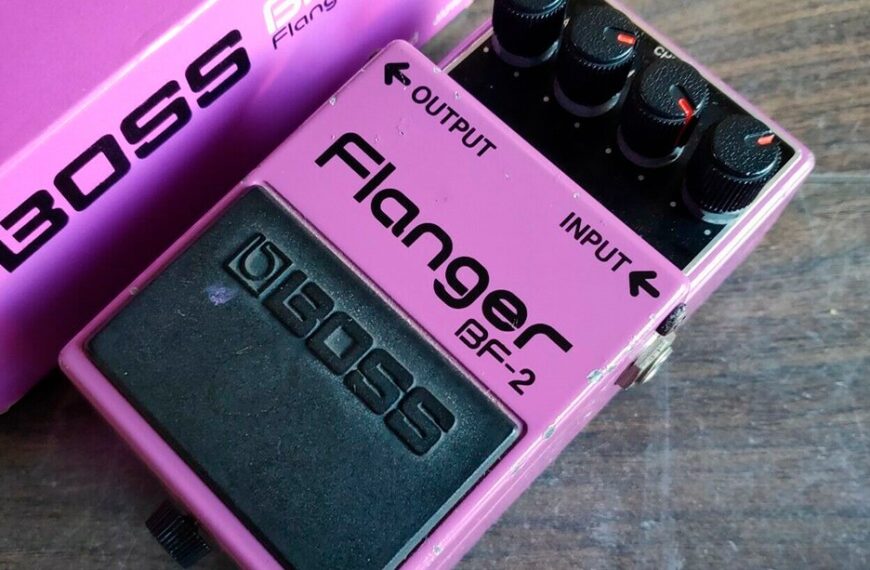
4- Modulation Effects: Tremolos, Chorus, Flangers, etc.
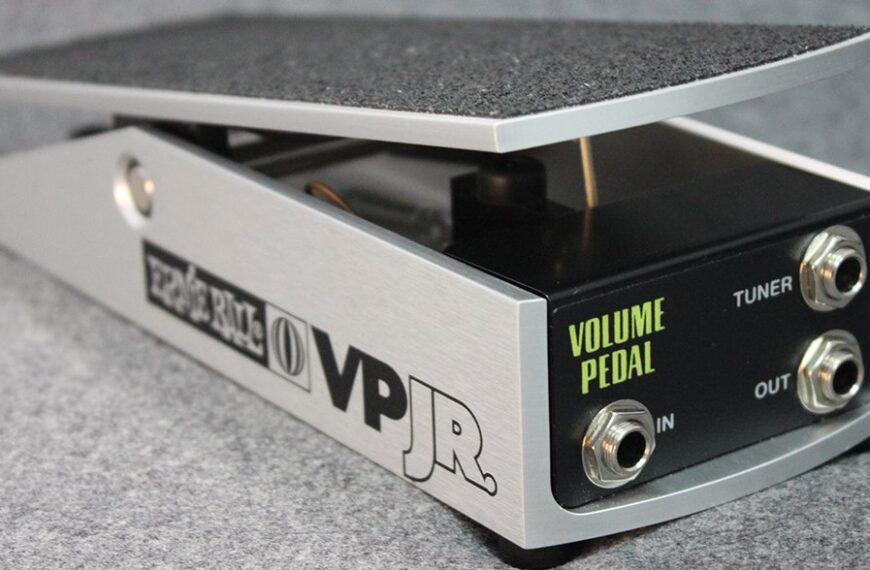
5- Volume Pedal
6- Delays and Reverbs
**AMP**

Back To Top


Several trademarks are used throughout this site for descriptive purposes. Les Paul®, P-90® and Gibson® are trademarks of Gibson USA. Fender®,
Stratocaster®, Strat®, Telecaster®, Tele®, P. Bass®, Precision Bass®, J. Bass® and Jazz Bass® are the trademarks of Fender Musical Instruments, RIC®
and  Rickenbacker® are the trademarks of Rickenbacker International Corporation .  Other trademarks are the property of their respective owners.
HAS Sound is not associated with any of the above named companies.

This site was developed and is maintained by Stan Hinesley, owner/manager/operator of HAS Sound.

© 2004-2008 HAS Sound. All rights reserved.